

Sim Extras
Golf simulator accessories
Every part of a simulator room beyond the launch monitor, grouped by where it goes: the screen wall, the projector and PC, the floor and the walls.
Free Sim Design Masterplan1 of 4
Screen wall
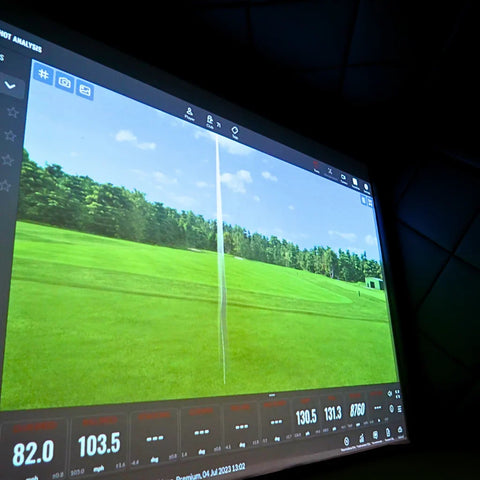
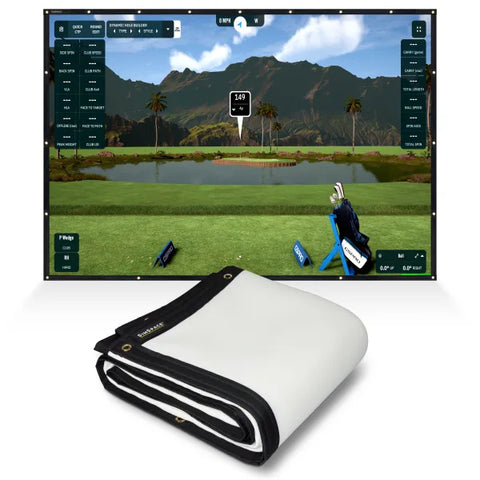
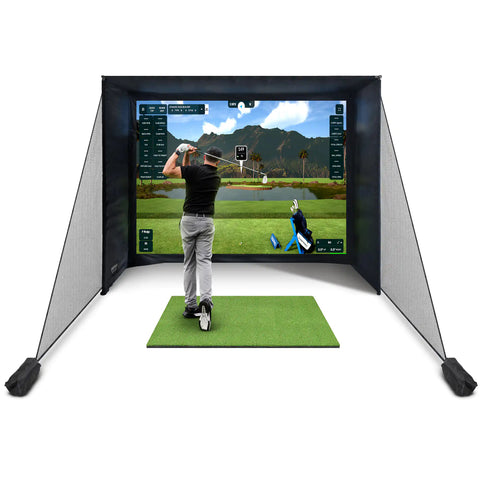
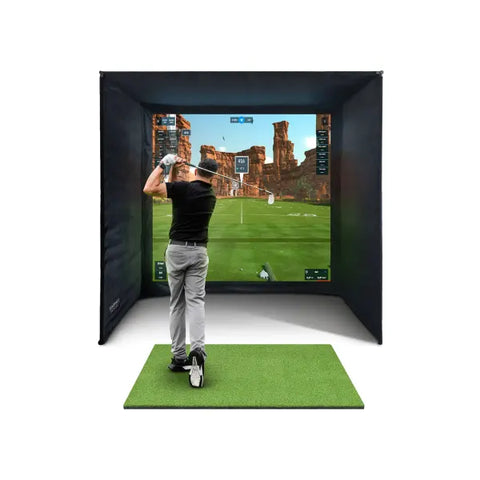
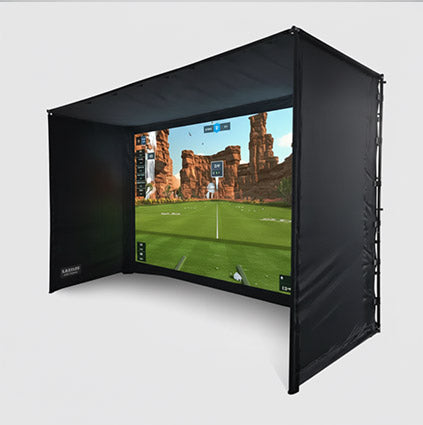
The screen is the first decision: its size sets the projector and the bay. Not sure of the size? Use the screen size calculator.
Impact screens
View all 20 →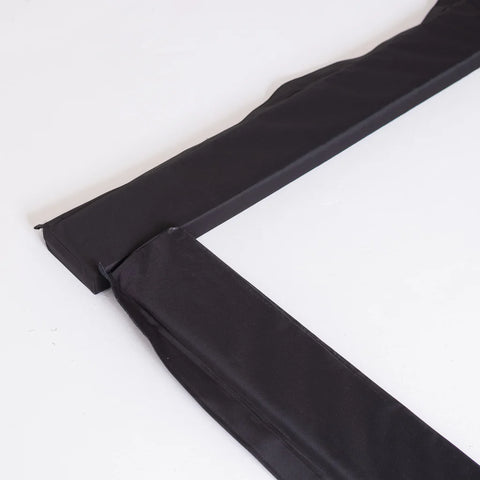

2 of 4
Projector & PC
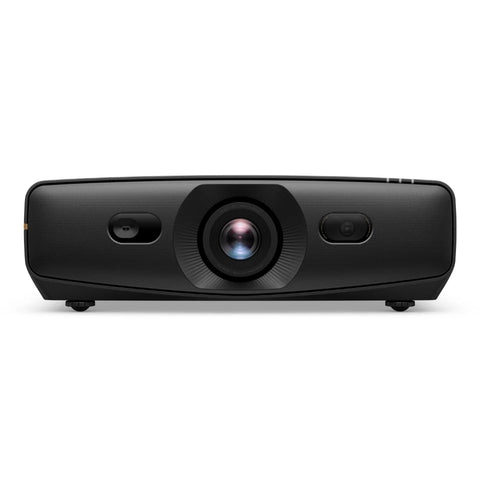
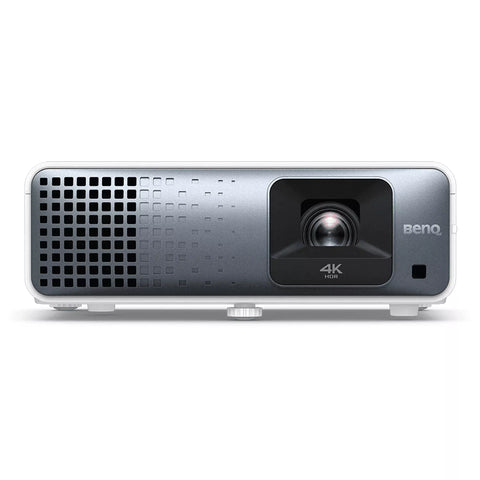
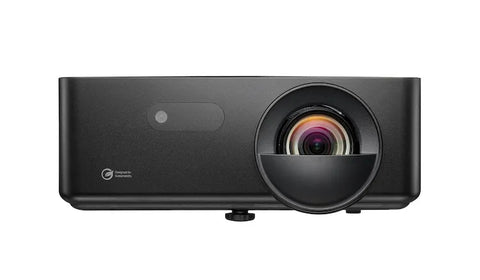
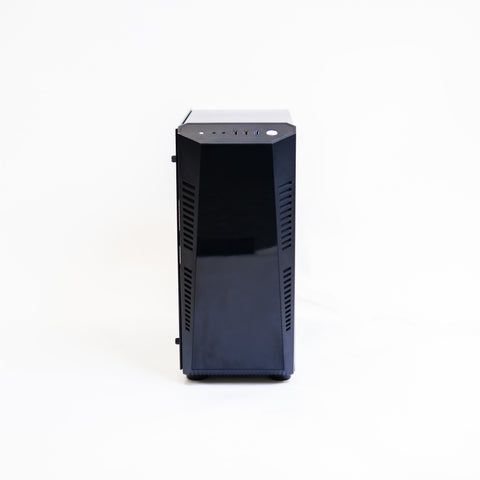
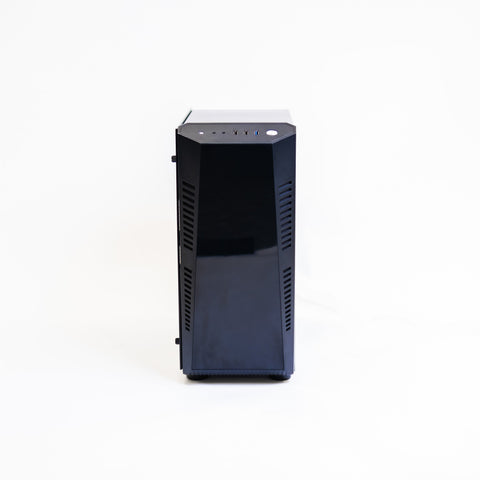
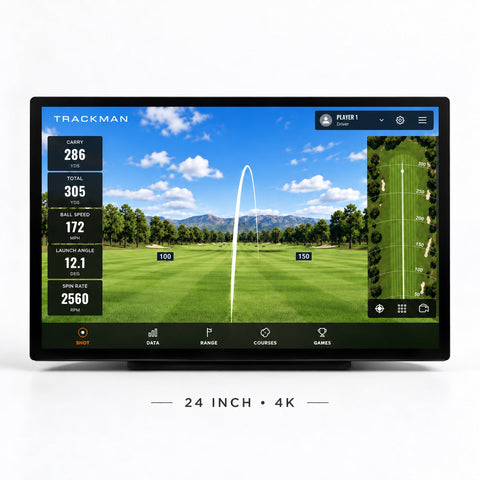
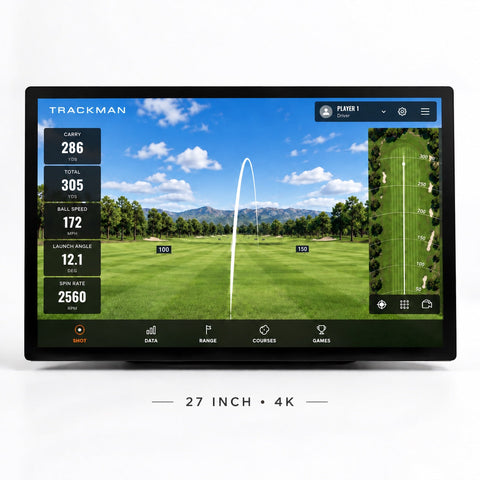
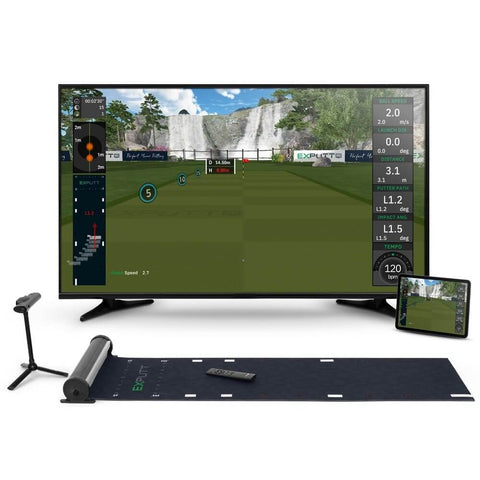
The picture on the screen, and what runs the simulator software. The projector calculator gives the lens-to-screen distance.
Projectors
View all 8 →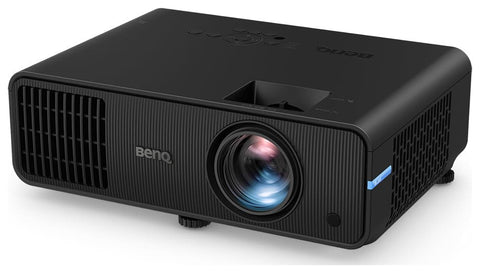
3 of 4
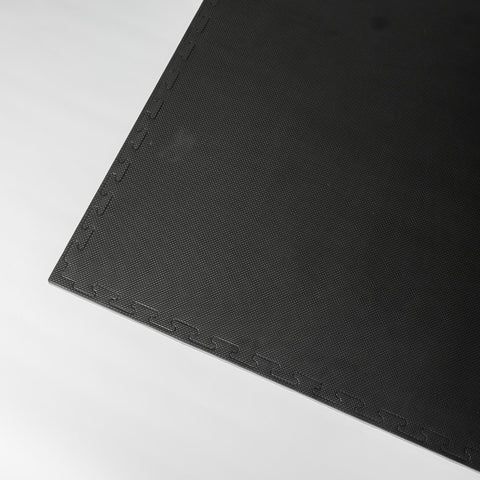
Floor
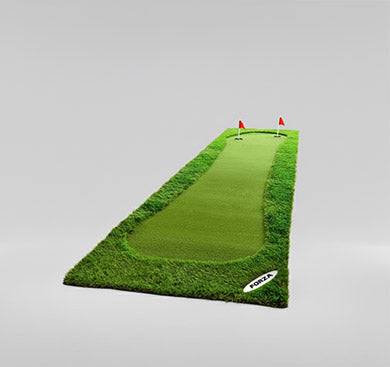
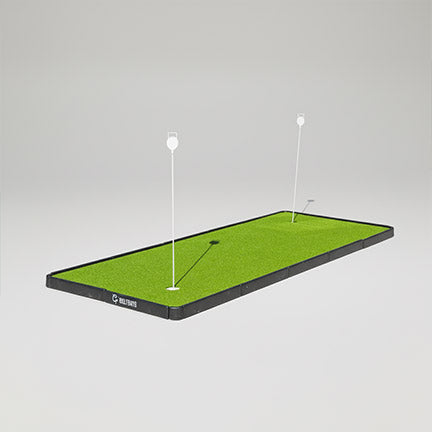
What you hit off and stand on, and the turf around it.
Hitting mats
View all 20 →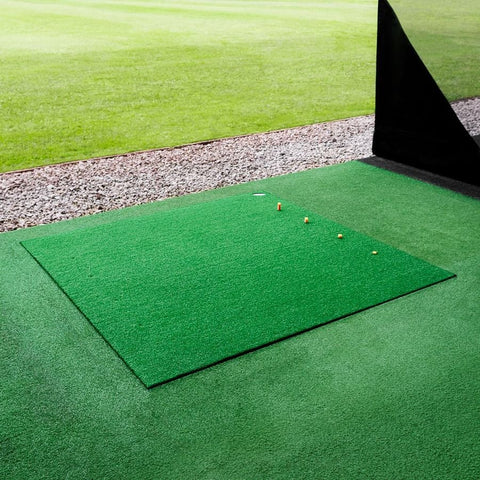

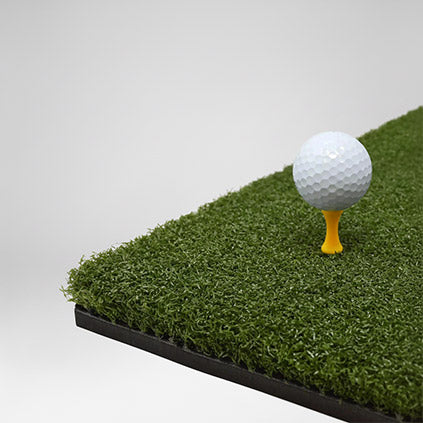

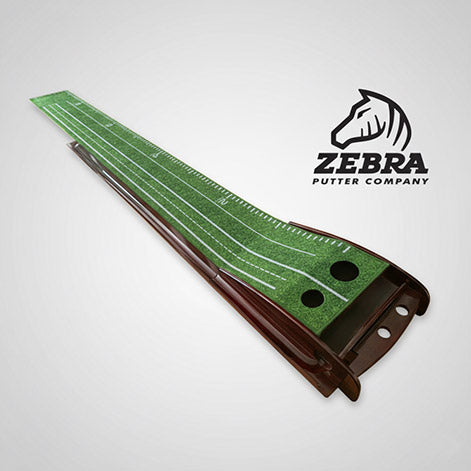
Putting & teeing turf
View all 9 →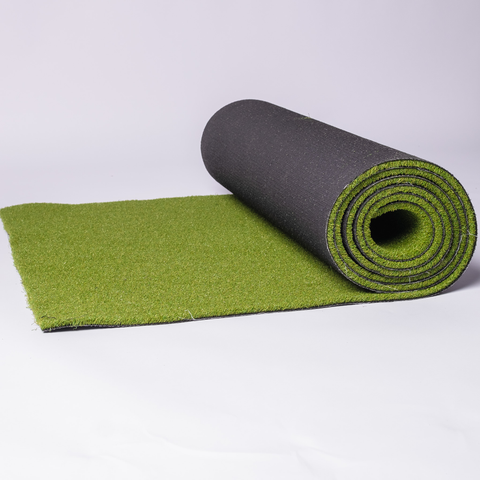
4 of 4
Walls
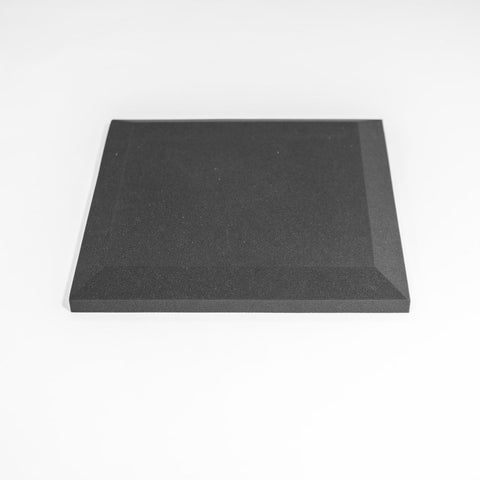
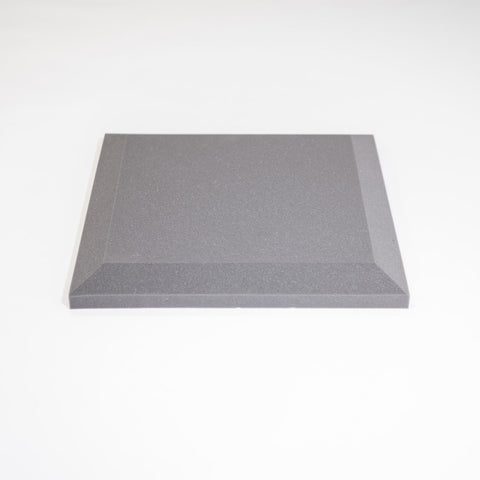
Padding for the walls and ceiling line around the screen.
Wall tiles, pelmets & surrounds
View all 19 →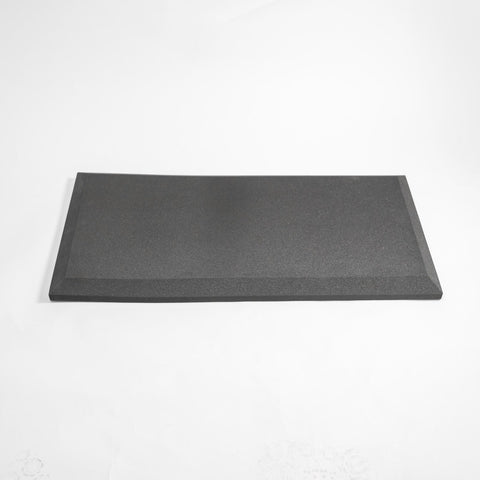
Free Sim Design Masterplan
Not sure which parts your room needs?
Send your room size on WhatsApp. Our sim experts design the room in 3D and list every part with its price, so you only buy what fits.
Start my free design
Questions
Golf simulator accessories: what you need
What do I need besides a launch monitor?
Something to hit into (an impact screen or an enclosure with a screen), a mat to hit off, and a projector if you want the course on the screen. Wall and ceiling padding protects the room around the screen. Some launch monitors also need a PC or tablet to run the simulator software.
Which part should I choose first?
The screen. Its size is set by your wall width and ceiling height, and the projector is then matched to the screen. The screen size calculator gives you the size to order, and the projector calculator gives the distance from lens to screen.
Do I need a PC?
It depends on the launch monitor. The Garmin Approach® R50 has its simulator built in and connects straight to a projector, so it needs no PC. Camera systems that run third-party course software need a gaming PC.
Can I buy parts one at a time?
Yes. Everything on this page is sold separately, so you can add to a room over time. If you are starting from an empty room, a complete simulator package prices the main parts together.
Keep reading